Draw the parts
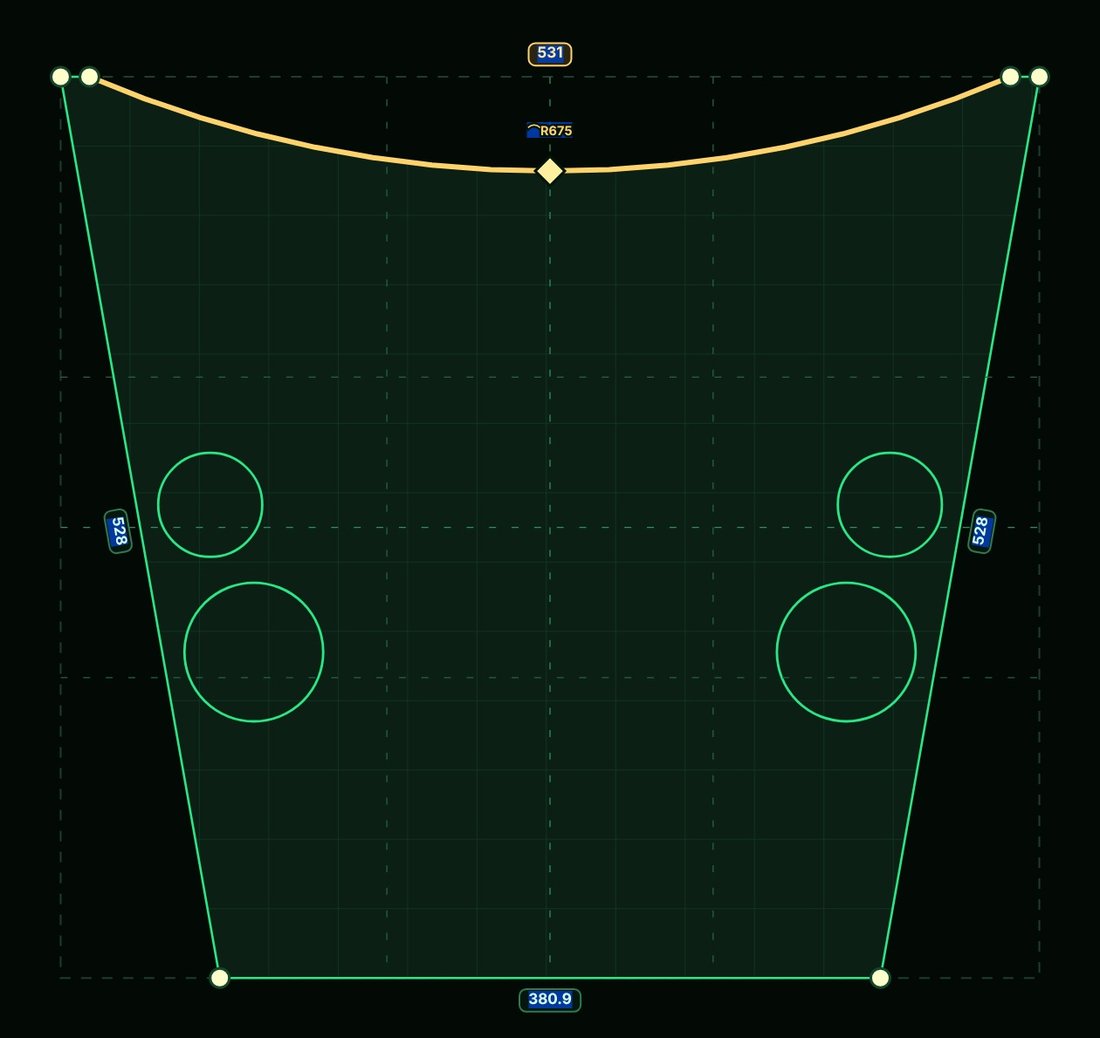
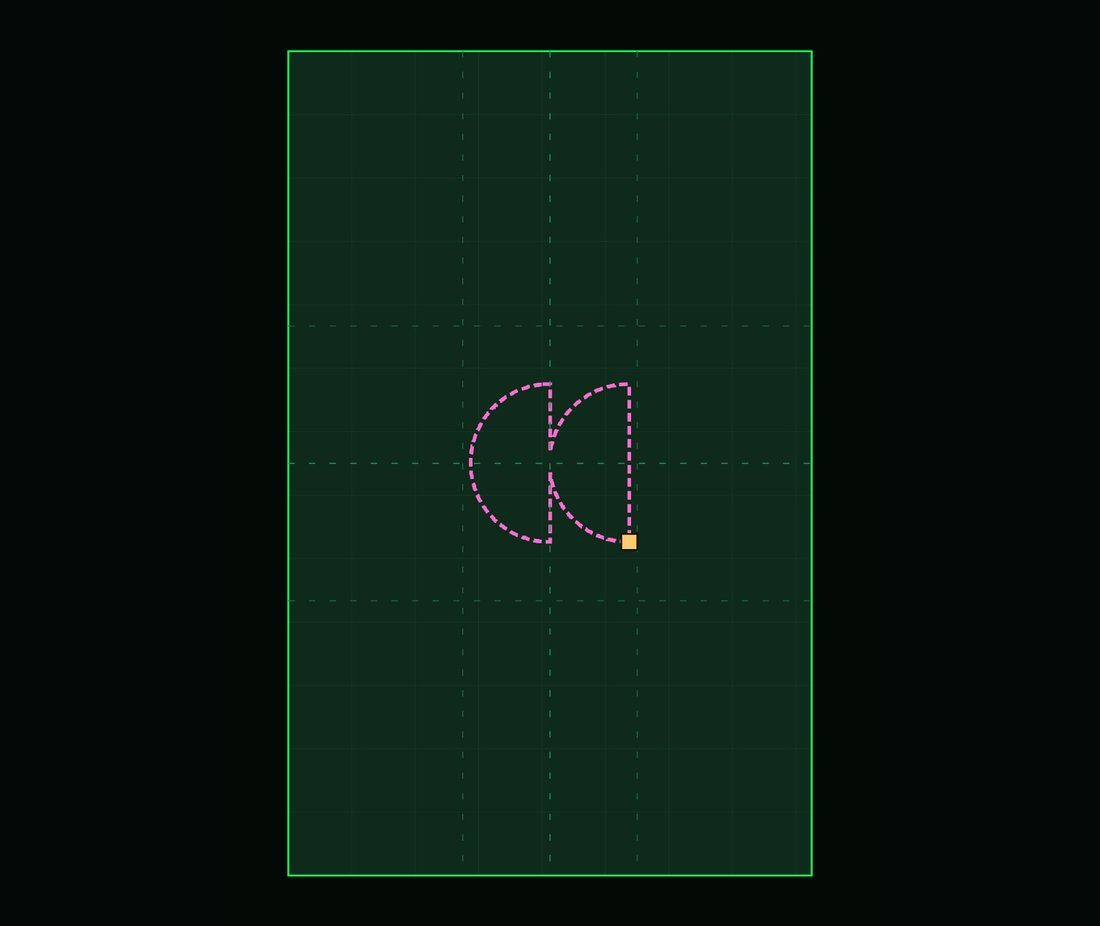
Rectangles with exact sizes, irregular shapes from templates, or paste your cut list. Or import a STEP or DXF and get every panel with its holes and pockets. Click a dimension to change it, drag an edge or curve it to any radius.
For people who build speaker cabinets on a CNC
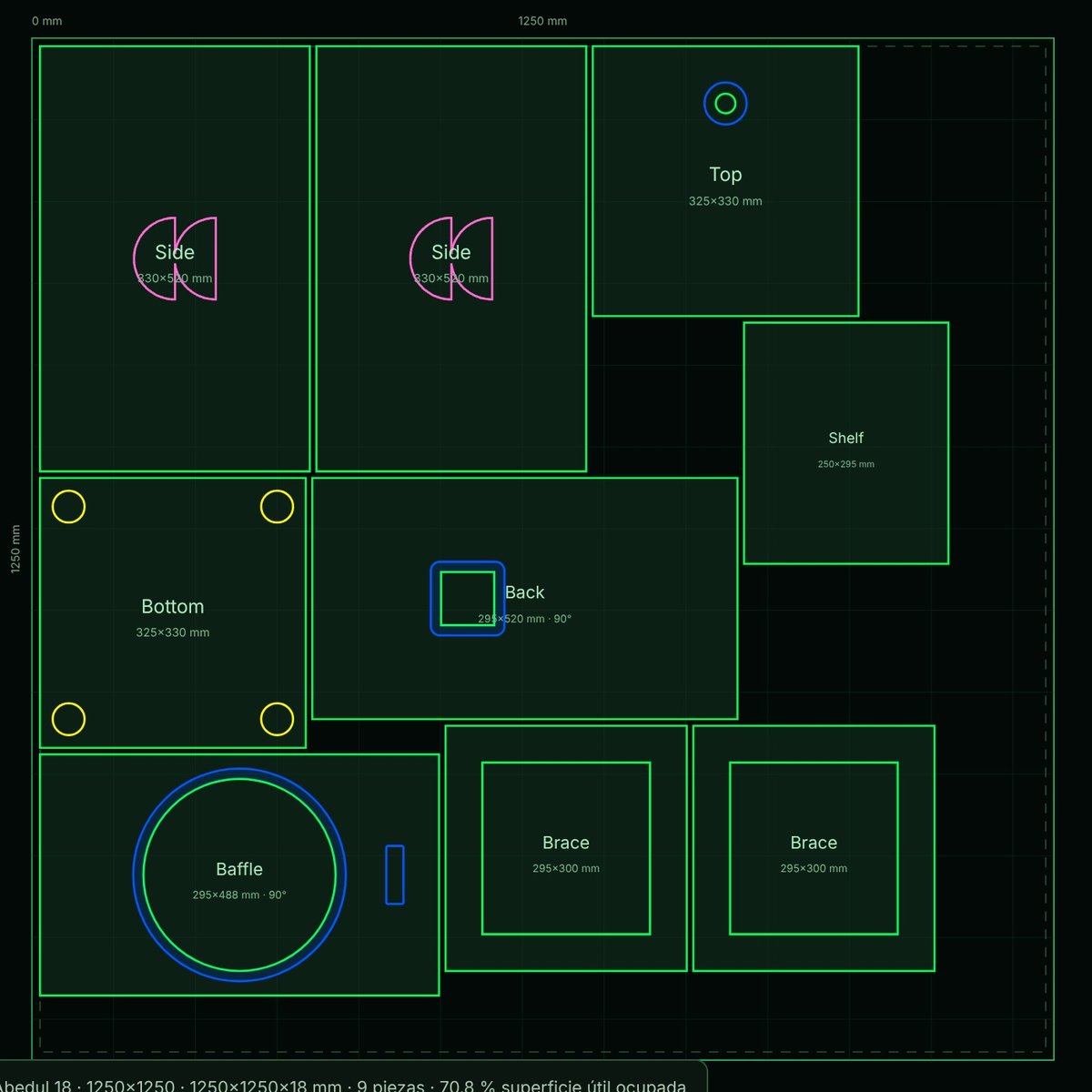
Design the panels of your sub, kick or top with exact sizes, add the driver cut-out with its screw circle, nest the parts on the sheet and export a DXF ready for the router. Already have a 3D model or a plan? Import the STEP or DXF and every part lands on the sheet. All in your browser.
You’re on the list. We’ll email you as soon as the beta opens.
Free during the beta · No card needed
Until now
With CNC Speaker Design
How it works
Rectangles with exact sizes, irregular shapes from templates, or paste your cut list. Or import a STEP or DXF and get every panel with its holes and pockets. Click a dimension to change it, drag an edge or curve it to any radius.
Driver cut-out, M20 plate, handles, connector plate, rebates, pockets and your logo. Each one with its own depth.
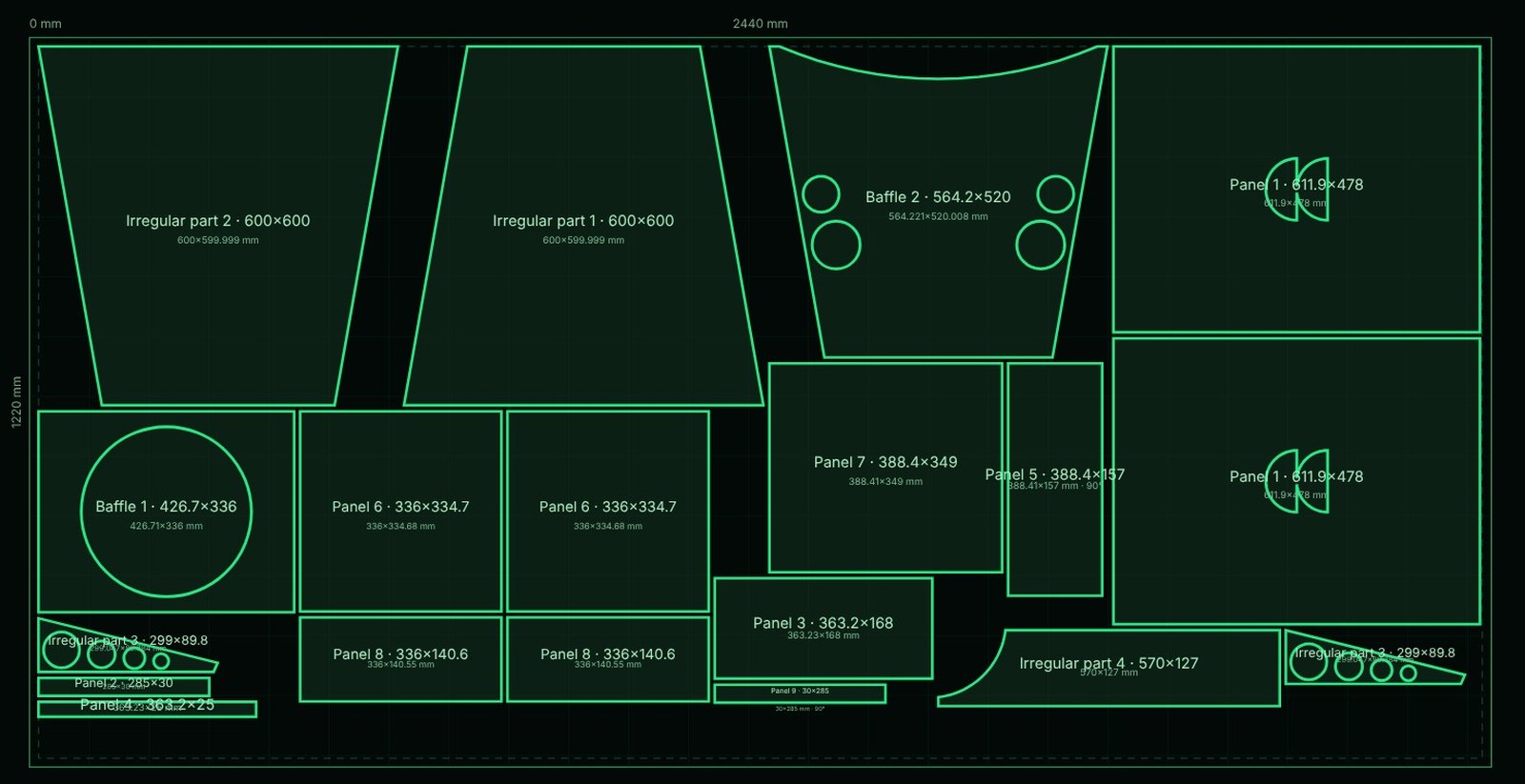
Parts are fitted onto your sheets and you download one DXF per sheet, with one layer per depth, ready for your CAM.
Real projects
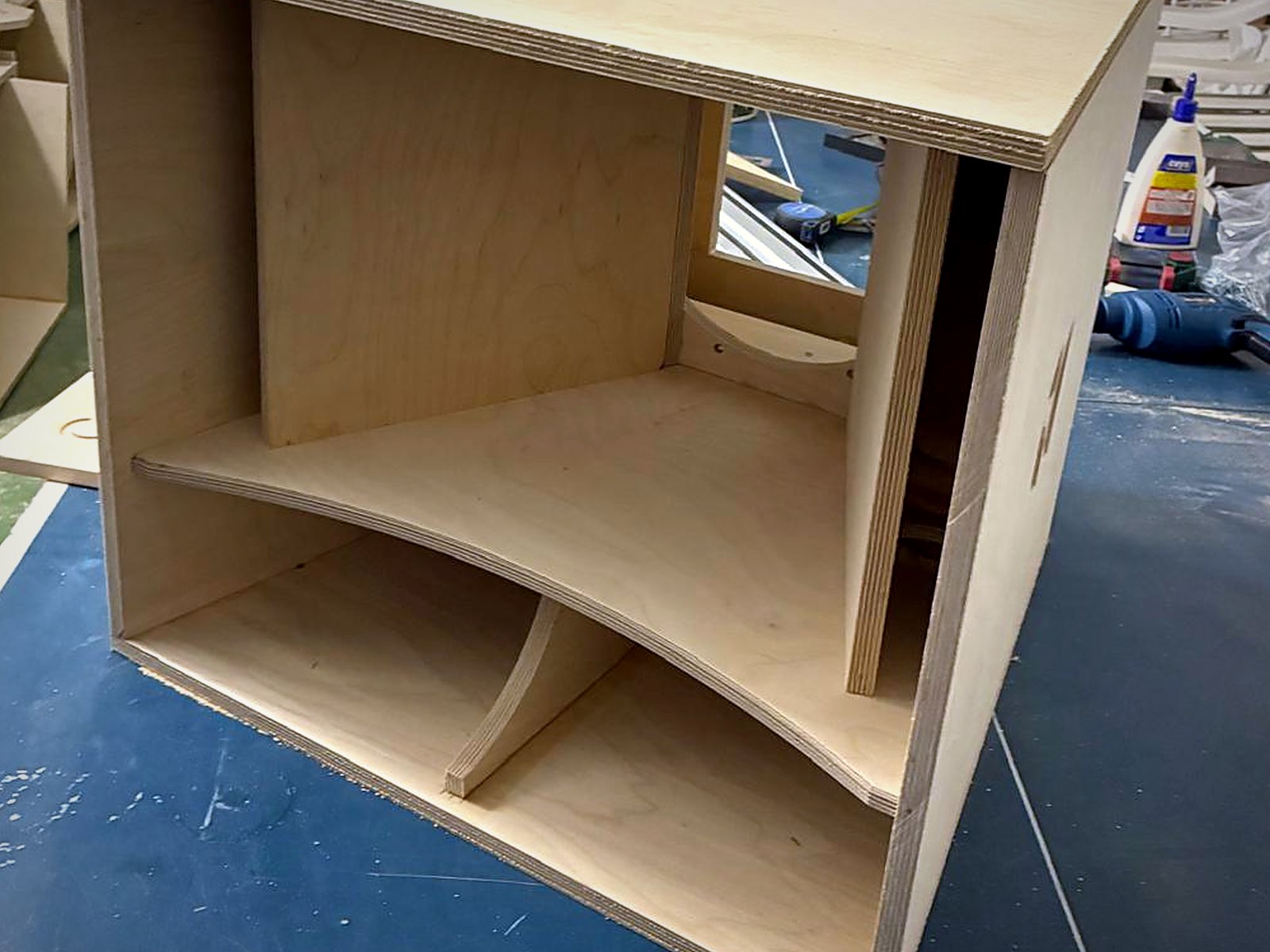
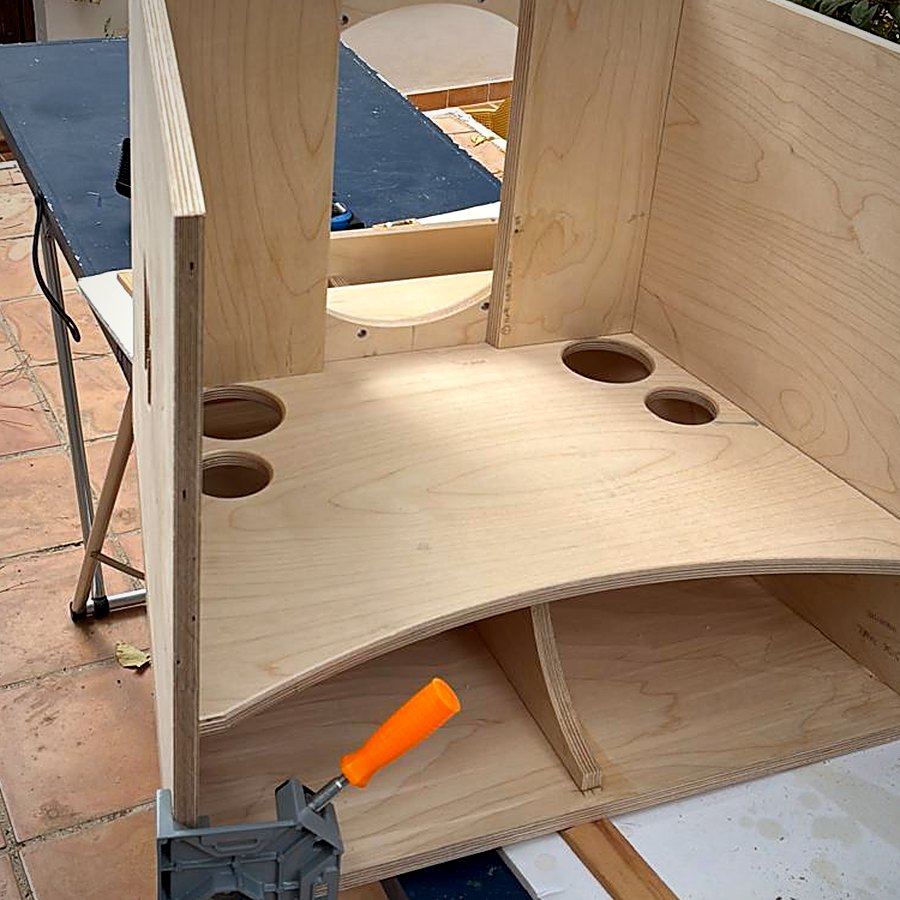
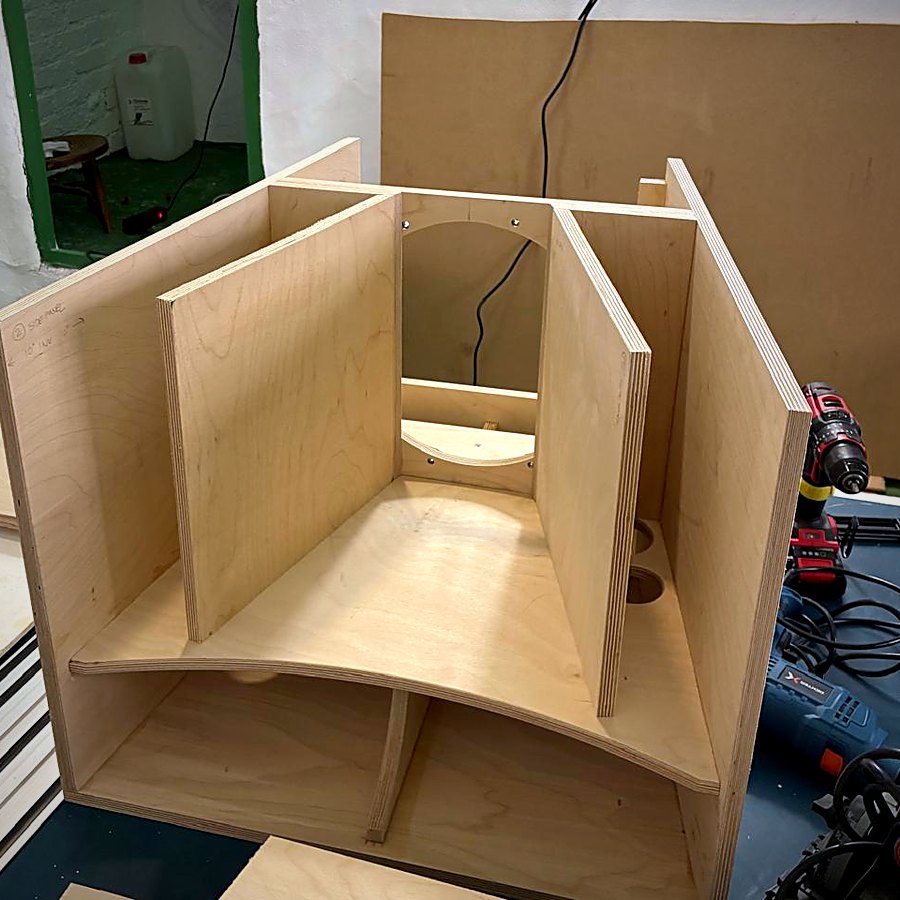
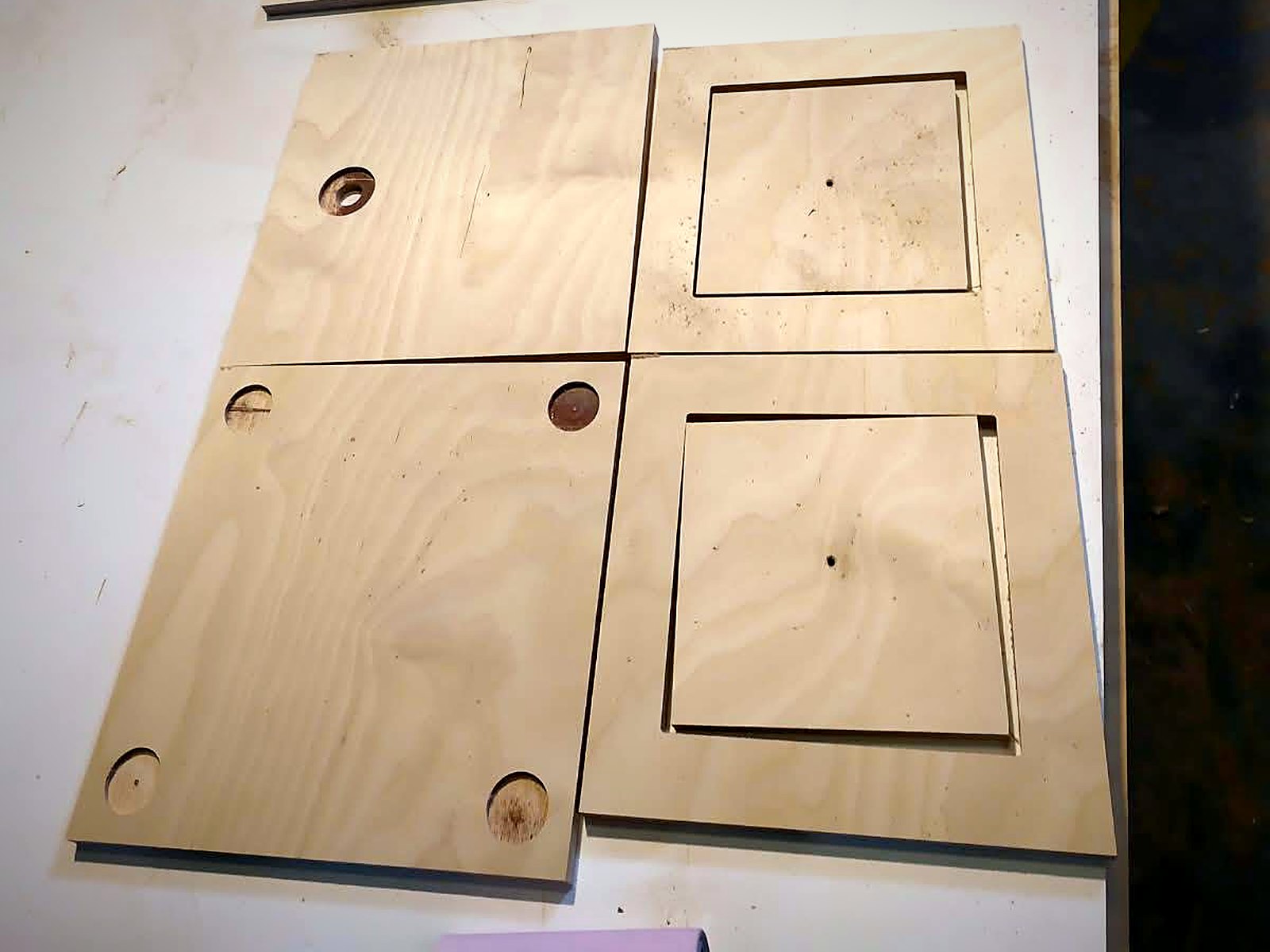
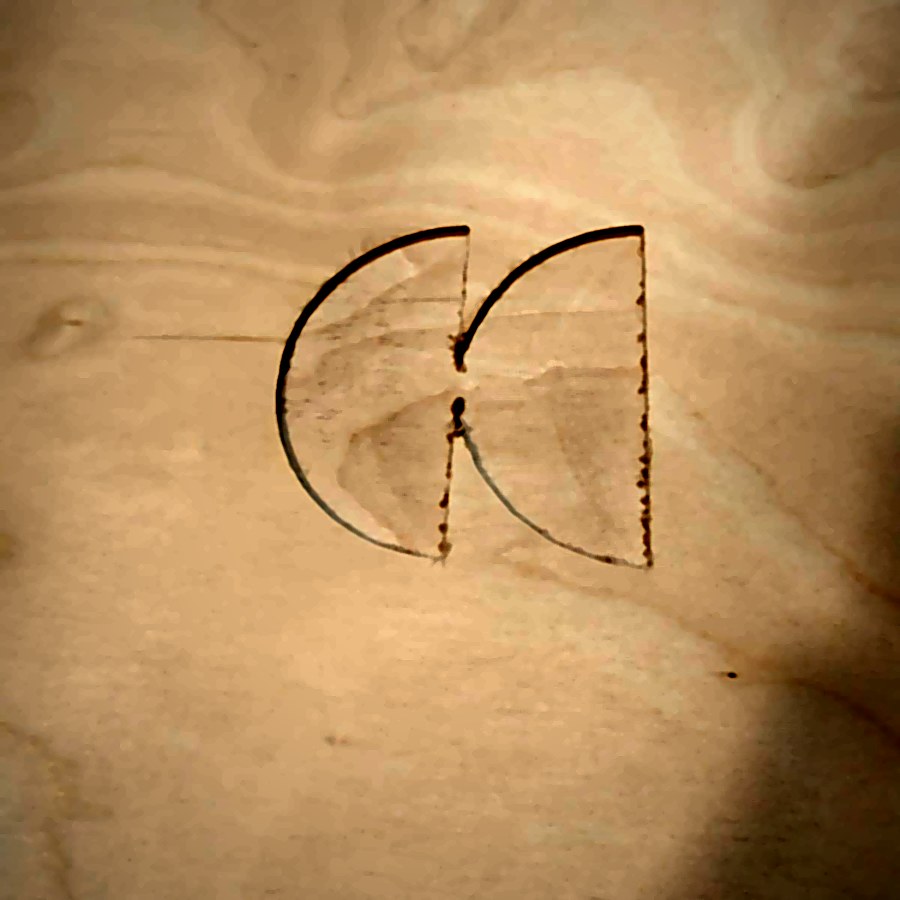
Every part was designed in CNC Speaker Design, exported as DXF and cut as is. These are photos of the result.
Plan archive · subscribers only
Every plan opens as a project: change the board thickness or the sheet size, add your logo and export. The whole archive unlocks with Maker or Pro.
Pricing
Try the app
€0forever
For people building their own rig
{{ makerPrice }}{{ makerUnit }}
For people cutting cabinets for others
{{ proPrice }}{{ proUnit }}
Prices include VAT. Cancel any time from your account.
FAQ
No. You type sizes and pick machining operations. If you can use a calculator, you can use CNC Speaker Design.
The app exports DXF in millimetres, with one layer per depth. Open it in the CAM software you use with your CNC and generate the toolpaths there.
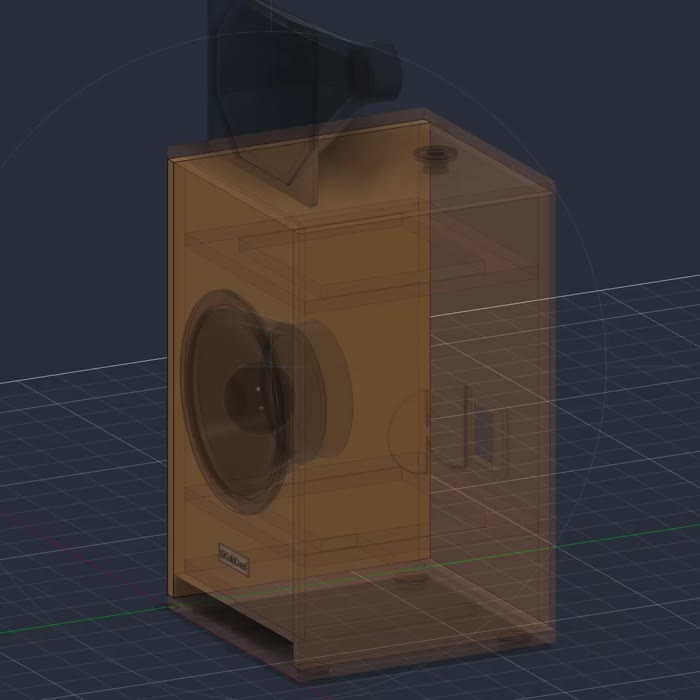
Yes. Drop in a STEP file from Fusion, SolidWorks, Onshape or FreeCAD and the app finds every flat panel with its size and thickness, through holes, rebates and engravings, groups identical parts and lays them out on the sheet. DXF plans work too. Everything stays editable.
No. It gives you exact geometry sorted by layer; tool, passes and compensation are set in your CAM, as usual.
Exclusive plans and community plans, all ready to open as editable projects. The archive is only for Maker and Pro subscribers.
Your account keeps your projects in the cloud so you can open them on any computer, and unlocks the archive and your saved machining templates when you subscribe. Log in with email or Google.
No. It runs in the browser, on Windows, Mac or Linux.
Join the beta and try the app for free before anyone else.
Get early access